Tennessee LLC Search – The Complete, Real-World Guide for Anyone Starting or Researching a Business
If you’re planning to form a business or simply trying to look up an existing company, knowing how to run a proper tennessee llc search can save you a lot of trouble. Every year, I see new business owners rush through the naming process and end up getting rejected, or worse—choose a name that creates legal risks. A little bit of research upfront can prevent those headaches.
I wrote this guide in the same voice I’d use if we were sitting across from each other talking through the steps. No technical talk, no confusing jargon. Just a clear, practical walk-through of everything you need to know about using the Tennessee Secretary of State’s search tools the right way.
Table of Contents
What a Tennessee LLC Search Actually Does
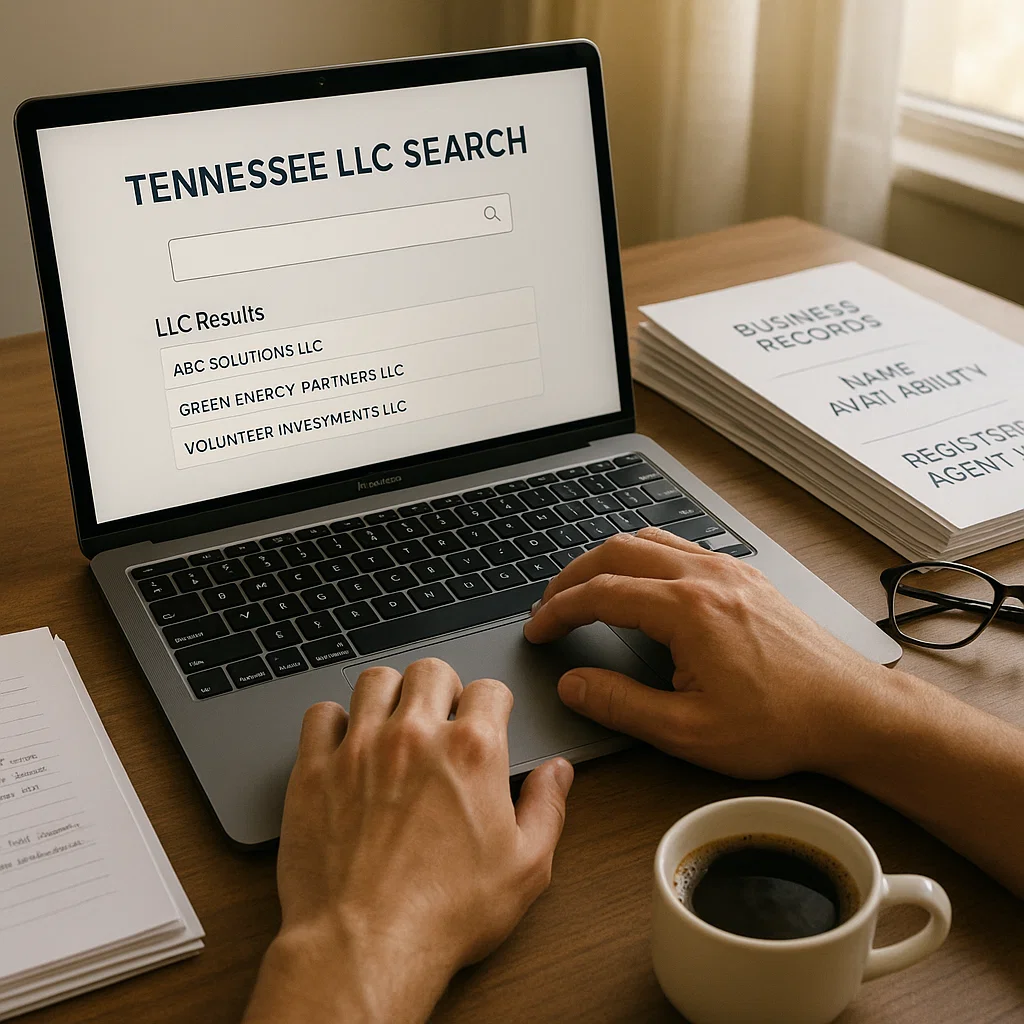
When people hear “tennessee llc search,” many think it’s only for checking name availability. But it’s much more useful than that.
A proper search allows you to:
- Check if your desired business name is available
- See if any companies have names similar to yours
- Verify if a business is active or dissolved
- View the registered agent (this is important for legal notices)
- Look at filing history and annual reports
- Confirm addresses and contact details
- Download official documents
- Research competitors or potential partners
It’s basically a window into the state’s official business database.
And the best part? It’s free.
Why You Should Never Skip a Tennessee LLC Search Before Registering a Business

1. You Avoid Name Rejection
Tennessee is strict about name similarities. Even one small difference may not be enough.
For example:
- “Volunteer Roofing LLC”
- “Volunteer Roofing & Repair LLC”
These look slightly different, but Tennessee may consider them confusingly similar.
A tennessee llc search helps you catch that before you apply.
2. You Prevent Trademark Problems
A name can be available in Tennessee and still violate a federal trademark.
This is something many new business owners overlook.
You can double-check trademarks here:
🔗 https://www.uspto.gov/trademarks/search
3. You Can Confirm Whether a Business Is Legit
If you’re hiring a contractor or partnering with a company, a quick search lets you verify if:
- They’re active
- They’ve filed their annual reports
- They’re in good standing
This is a smart way to avoid scams or unreliable companies.
4. You Save Time & Money
Incorrect names, missing details, or misunderstandings about availability can delay your business for weeks. A quick tennessee llc search keeps you on track.
How to Perform a Tennessee LLC Search (Step-by-Step With Tips)
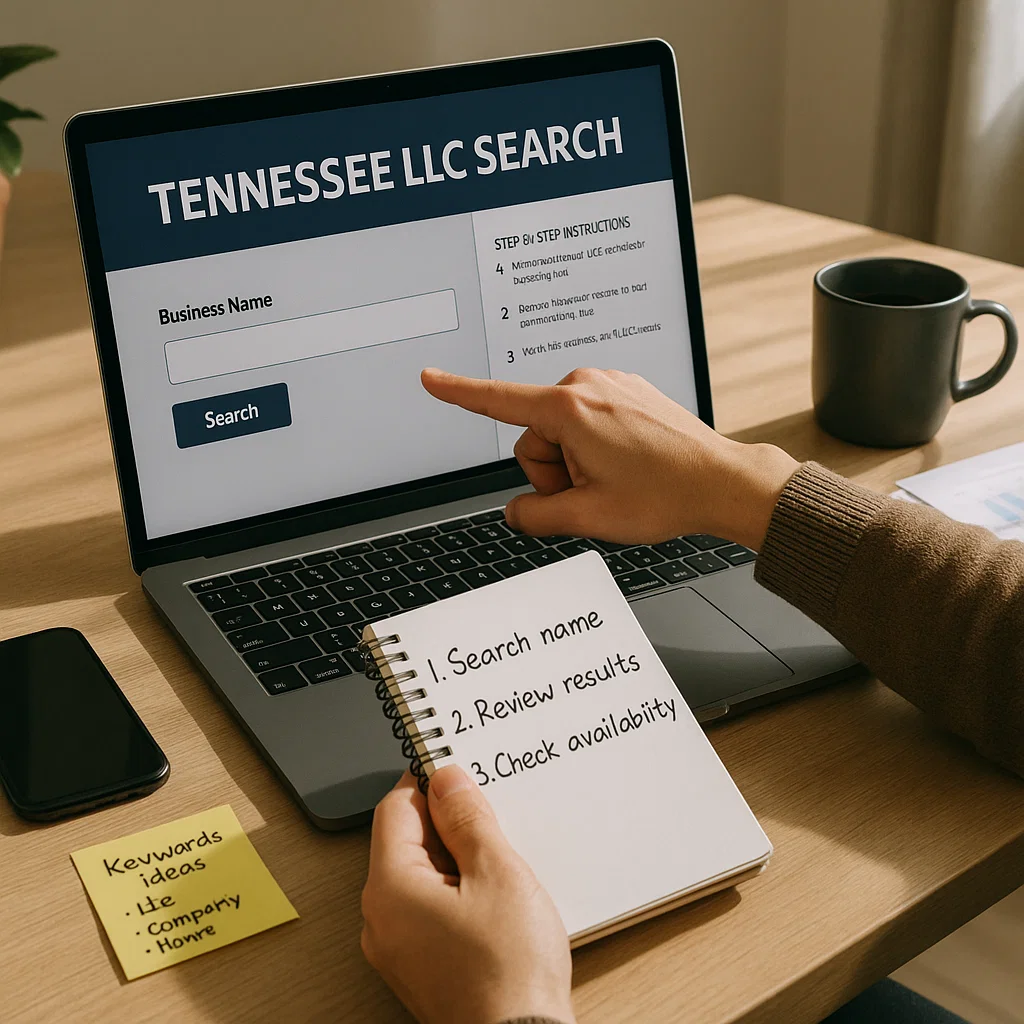
Most people only know the basic steps, but I’ll walk you through the actual best practices that make the search more accurate.
Step 1: Go to the Official Tennessee SOS Business Search Tool
Use the official links:
- Name Availability Search:
https://tnbear.tn.gov/Ecommerce/NameAvailability.aspx - Full Business Entity Search:
https://tnbear.tn.gov/Ecommerce/BusinessSearch.aspx
The first tool checks if a name is available.
The second tool shows full business profiles.
Step 2: Choose Your Search Type
You can search by:
- Business Name
- Registered Agent
- Control Number
- Filing Number
- Office Address
Most people start with Business Name, and that’s totally fine.
Step 3: Search Using Partial Keywords (Smart Tip Most People Miss)
Instead of typing your full name—use only the main keyword.
Example:
If your proposed name is “River Valley Heating & Cooling LLC,”
search only:
- “River Valley”
- “River”
- “Valley Heating”
This reveals similar names that could block you.
I can’t stress this enough: this tip alone has saved people from name rejection.
Step 4: Review the Results Carefully
Look for:
- Active businesses
- Inactive businesses
- Similar spellings
- Names with punctuation differences
- Names that sound similar when spoken
Even if a business is inactive, the name may still be protected for a period of time.
Step 5: Click Each Result to See Detailed Information
You’ll find:
- Business status
- Formation date
- Registered agent
- Principal office address
- Assumed names (DBAs)
- Annual report history
- Downloadable filings
This is especially helpful for due diligence, partnerships, or legal verification.
How to Pick a Name That Will Pass a Tennessee LLC Search Easily

Many guides skip this, but it’s one of the most important parts.
1. Use Distinct, Non-Generic Words
Names like “Top Choice Construction” or “Elite Cleaning” almost always have conflicts.
Add unique identifiers:
- Location
- Specialty
- Branding word
- Niche
2. Avoid Overused Tennessee Words
These words are used in thousands of LLC names:
- Nashville
- Knoxville
- Tri-Star
- Smoky Mountain
- Volunteer
If you use them, expect more competition.
3. Add a Descriptor
Instead of:
- “Blue Mountain LLC”
Try:
- “Blue Mountain Outdoor Rentals LLC”
- “Blue Mountain Logistics LLC”
This makes your name unique and more SEO-friendly.
4. Check Domain Availability
Once the name passes the tennessee llc search, check if the domain is free.
You can use:
Matching domain names make branding easier.
Ways to Use a Tennessee LLC Search Beyond Name Checking
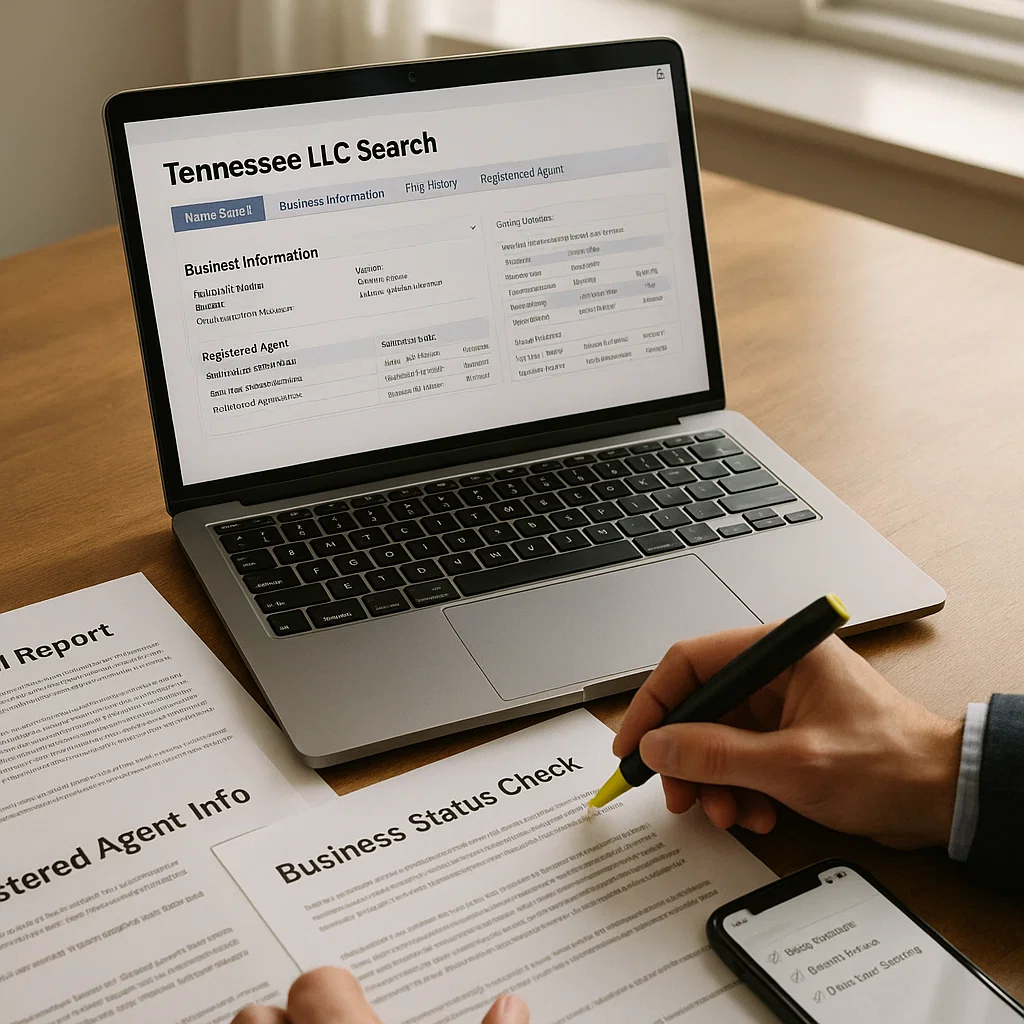
Most people don’t know the search tool can also be used for:
✔ Reviewing a business before signing a contract
✔ Checking if a company is in good standing
✔ Finding the registered agent for legal service
✔ Looking up competitor information
✔ Confirming if a business is dissolved or merged
✔ Checking if a business filed all required documents
This isn’t just for new LLCs—it’s a helpful research tool for anyone working in the business world.
What If a Name Appears Available but the State Still Rejects It?
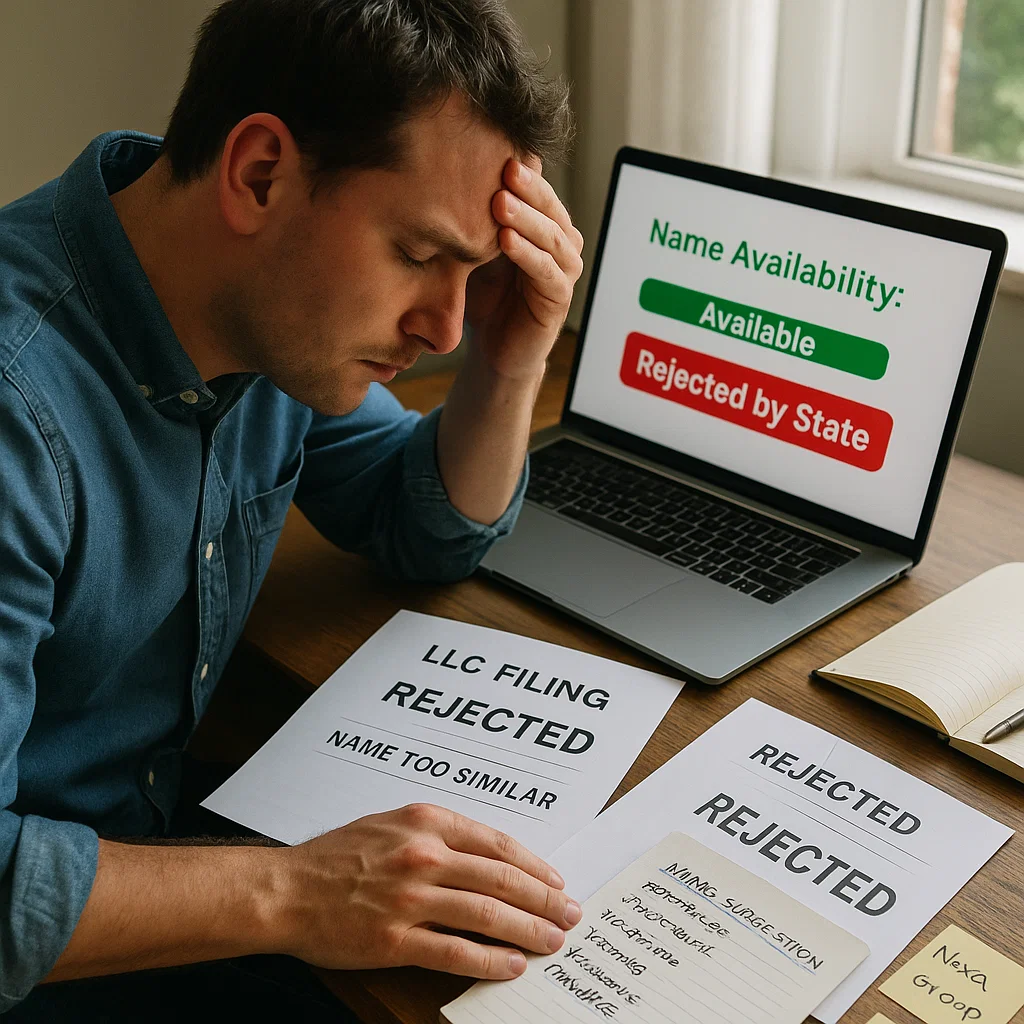
This happens more often than you think.
Reasons include:
- Names that sound too similar
- One-word differences
- Singular vs. plural
- Same meaning (example: “Towing” vs. “Tow Services”)
- Abbreviations that resemble another name
- Punctuation differences
Example:
“Spring Hill Builders LLC”
vs.
“SpringHill Builders LLC”
These look different, but Tennessee may reject them as too close.
If this happens, simply add a strong, unique word and try again.
Can You Reserve Your LLC Name in Tennessee?
Yes, you can reserve a name for 120 days.
This is great if:
- You’re still preparing documents
- You’re waiting for funding
- You want to protect the name during planning
The reservation can be filed online and processed quickly.
Real-Life Example: A Tennessee LLC Search That Avoided a Legal Issue
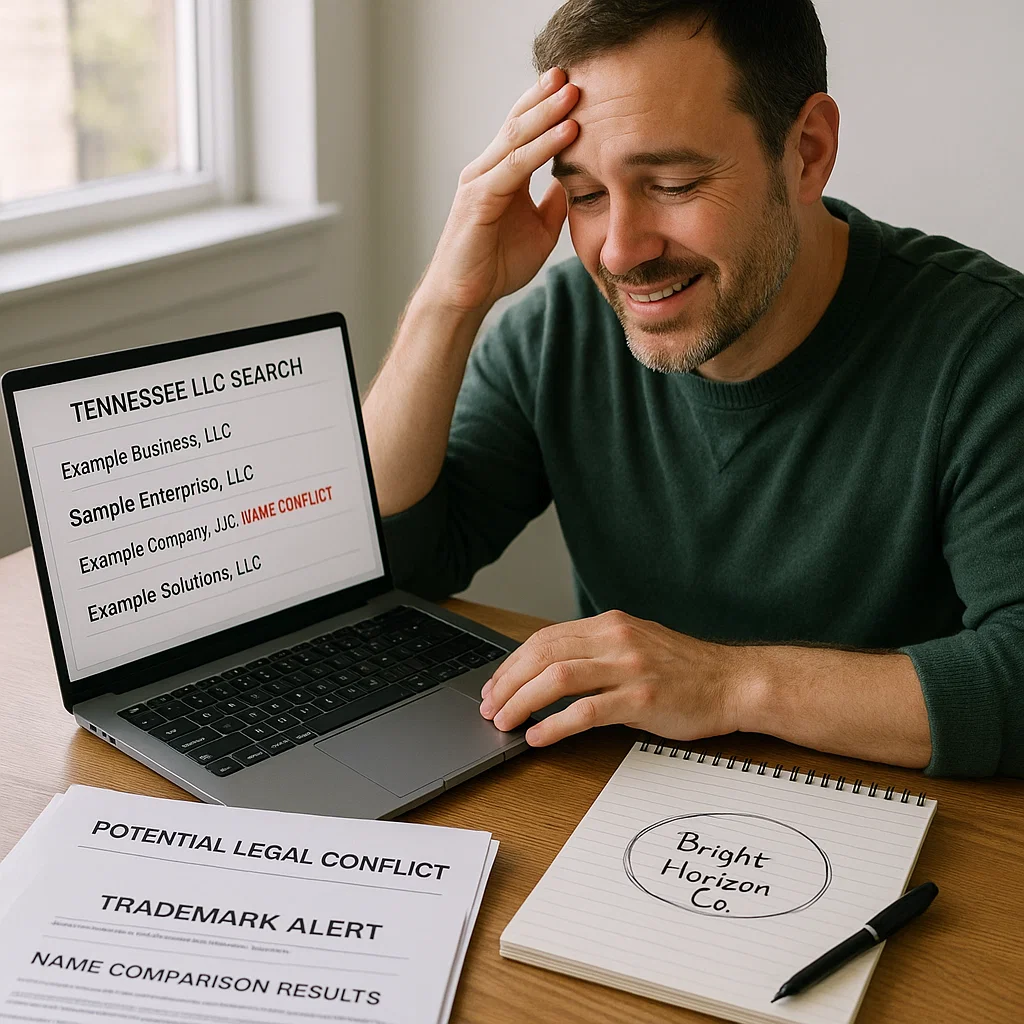
A business owner I helped wanted to name his company “Smoky Mountain Adventures LLC.”
It sounded original to him.
But after running a tennessee llc search, we found:
- Smoky Mountain Adventure Group
- Smoky Mountain Adventure Rentals
- Smoky Mountain Adventures & Tours
Even though the wording was slightly different, it was clear Tennessee would reject his name. And even worse, one of the companies had an active trademark.
We reworked the name to “Highland Ridge Adventure Co.”
It passed instantly and gave him a unique brand.
Running the search saved him:
- Rejection fees
- Trademark conflict
- Domain confusion
- Weeks of delay
This is why the search matters.
Key External Resources for a Smooth LLC Formation
Here are some helpful links I always share:
- Business Name Search: https://tnbear.tn.gov/Ecommerce/BusinessSearch.aspx
- Name Availability: https://tnbear.tn.gov/Ecommerce/NameAvailability.aspx
- USPTO Trademark Search: https://www.uspto.gov/trademarks/search
- EIN Application: https://www.irs.gov
- Domain Search: https://www.namecheap.com
Frequently Asked Questions (FAQ)
1. Is a Tennessee LLC search completely free?
Yes, the state’s search tool is free for everyone to use.
2. Do I need an account to run the search?
No account is required. Anyone can run a tennessee llc search instantly.
3. Do inactive businesses block name availability?
Sometimes, yes—especially if they were recently dissolved.
4. Is the registered agent the business owner?
Not always. Many LLCs hire registered agent companies.
5. Should I include “LLC” when searching?
You can, but it’s better to search without suffixes to see broader results.
6. Can two businesses have similar names if they’re in different industries?
In Tennessee, no. Names must be distinguishable regardless of industry.
7. How do I know if a business is in good standing?
The business profile page will show its status and annual report history.
8. Can I search by partial names?
Yes, and you should. This reveals similar or conflicting names.
9. Is a trademark search required?
It’s not required, but highly recommended for brand protection.
10. Can I reserve my LLC name?
Yes, Tennessee allows a 120-day name reservation.