Oklahoma Secretary of State Business Entity Search – Complete Guide
If you’re about to start a business, check a potential partner, or simply see whether a company is real, the oklahoma secretary of state business entity search is one of the first tools you should learn to use.
I’m going to walk you through this tool the same way I’d explain it to a friend sitting next to me at a laptop: step by step, simple wording, and real-life examples. By the end, you’ll know not just how to search, but also how to read what you see and what to do with that information next.
Table of Contents
1. What is the oklahoma secretary of state business entity search?
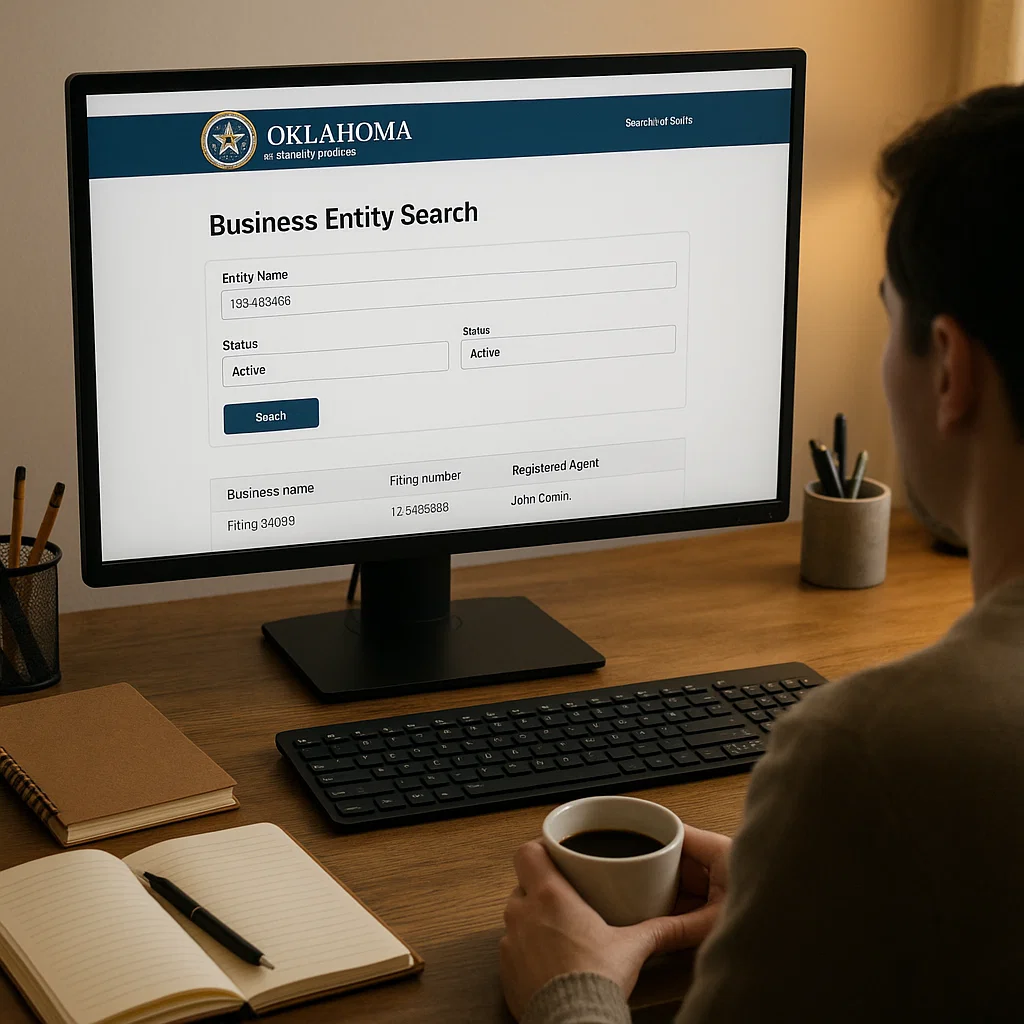
The oklahoma secretary of state business entity search is an online lookup tool on the official Secretary of State website. It lets you search the public records of all businesses that are registered with the state – LLCs, corporations, nonprofits, and more.
You can access it here:
- Official search page: Oklahoma Secretary of State – Business Entities Search (Oklahoma Secretary of State)
On that page, you type a business name (or use advanced options), hit Search, and you’ll see results like:
- Filing number
- Entity name
- Entity type (LLC, corporation, etc.)
- Registered agent
- Status (active, inactive, dissolved…)
Clicking the filing number then opens more detailed information about that specific entity.
2. Why this search actually matters in real life

Here’s what most people use the oklahoma secretary of state business entity search for – with real-world situations.
2.1. Choosing and checking a new business name
Scenario:
You want to start “Red River Roofing & Repair LLC.” Before you pay a formation service or file your paperwork, you search that name.
Why this matters:
- If an existing entity already uses that name (or something too similar), your filing can be rejected.
- You may have to reprint marketing materials and change your website if you skip this step.
The search lets you quickly see:
- Is the exact name already taken?
- Are there names that are too close and could confuse customers?
This saves you money, time, and avoidable headaches.
Pro tip: Do more than one search. Try “Red River Roofing,” “Red River Roof,” “Red River Repair,” etc. to see look-alike names.
2.2. Vetting a company before you trust them
Scenario:
A contractor wants a large deposit before starting work on your property. You search their business name.
Things you’ll look at:
- Status: Is it active or dissolved?
- Formation date: Did they just register last month or have they been around for years?
- Registered agent and address: Does it look consistent and legitimate?
If the status shows as inactive, terminated, dissolved, or withdrawn, that’s a big red flag that they may not be currently authorized to operate.
2.3. Keeping your own business in good standing
If you already have a company, the oklahoma secretary of state business entity search is a quick way to self-audit:
- Check that your registered agent information is correct.
- Confirm your status is active.
- See your formation date and filing history.
If you see something off (wrong address, wrong agent, or not active), you know it’s time to file an update or talk to a professional.
3. Key links you’ll want to bookmark

Here are a few official pages that usually go hand-in-hand with using the oklahoma secretary of state business entity search:
- Business entity search:
Search Corporation Entities – Oklahoma SOS (Oklahoma Secretary of State) - Oklahoma Business Hub (start & manage a business):
Oklahoma Business Hub (Welcome to Oklahoma’s Official Web Site) - Entity changes (name, address, ownership, etc.):
Entity Changes – Oklahoma Business (Welcome to Oklahoma’s Official Web Site) - Trademark search (for brand protection, separate from state name availability):
USPTO Trademark Search (USPTO) - Get an EIN directly from the IRS (free):
Apply for an EIN Online – IRS (IRS)
These links cover name search, formation, updates, trademarks, and federal tax ID.
4. How to do a basic oklahoma secretary of state business entity search

Let’s walk through exactly what you’ll see and what to click.
Step 1 – Go to the official search page
Open the Search Corporation Entities page:
👉 https://www.sos.ok.gov/corp/corpInquiryFind.aspx (Oklahoma Secretary of State)
You’ll see a simple form with:
- “Business Entities Search All”
- An Entity Name box
- A link to Advanced Search >>
At the top and side you’ll see navigation for Business Services, Notary, Charitable Organizations, etc.
Step 2 – Enter the business name
In the Entity Name box:
- Type the business name you want to search.
- If you’re not sure of the exact spelling, type only a distinctive part of the name (for example, “Red River” instead of “Red River Roofing & Repair LLC”).
Then click Search.
If your name is very generic (like “Premier”), expect a long list. You may need to scroll or refine your keywords.
Step 3 – Look at the search results list
The results screen will show a table containing, for each matching business:
- Filing Number (clickable link)
- Name
- Entity Type (LLC, corporation, etc.)
- Registered Agent
- Name Type & Status
Here’s how I usually scan that list:
- First, find entries where the Name matches what you typed (or is very close).
- Check the Status column right away to see if they are Active or not.
- Look at the Entity Type to see if it’s an LLC, corporation, nonprofit, etc.
Step 4 – Click the filing number for full details
When you click on the Filing Number, you’ll be taken to an Entity Summary Information page (sometimes after confirming your name/email or signing in to an account, depending on how access is set up at that time).
On that page you should see:
- Filing Number
- Name Type
- Status
- Corp Type (or entity type)
- Jurisdiction
- Formation Date
- Possibly flags or notes (e.g., qualified, foreign entity)
- A Registered Agent section showing:
- Agent name
- Effective date
- Address (street, city, state, zip)
From there, you may also see options like:
- View entity detail
- File a document
- Order documents
- New search
5. Using advanced search (when name alone isn’t enough)
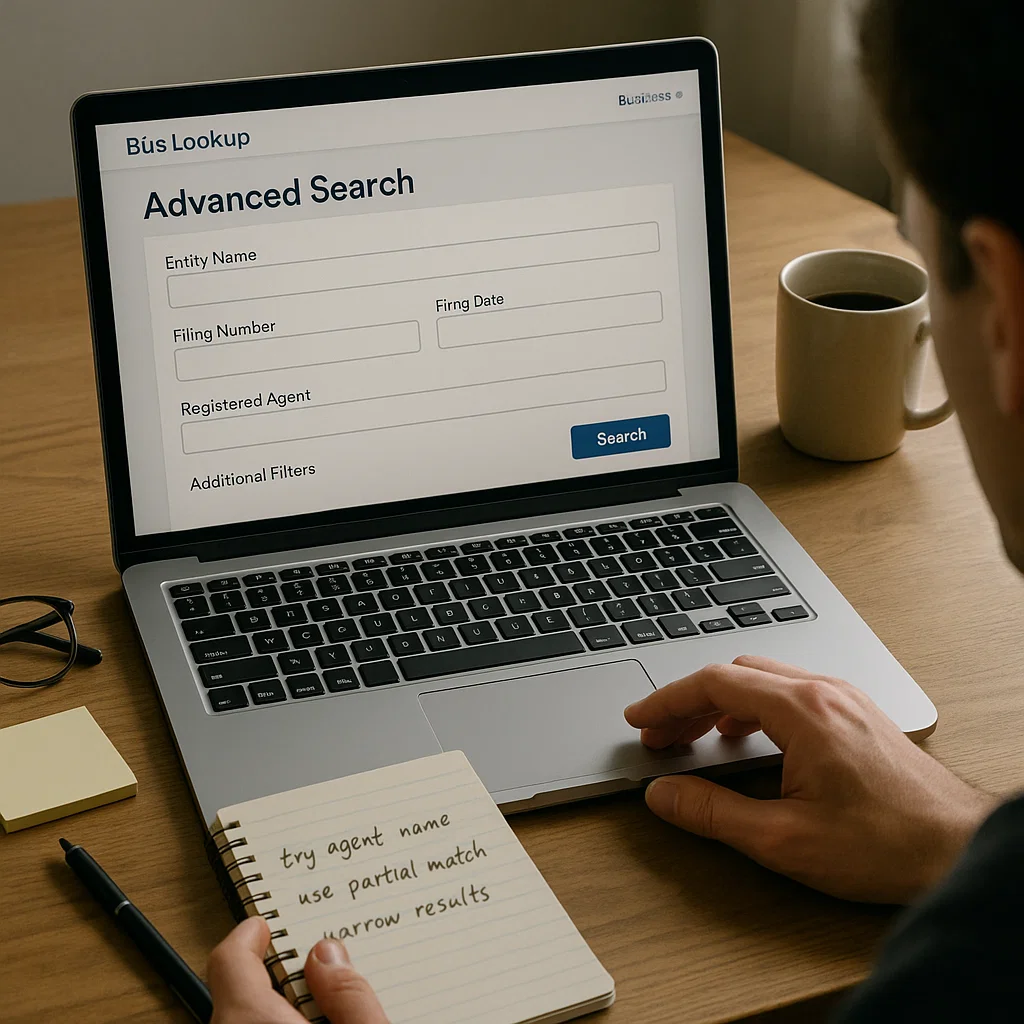
If you click Advanced Search >> under the Entity Name field, you’ll typically get more ways to search, such as:
- By full or partial entity name
- By filing number
- By registered agent name
- By officer or principal (if supported at the time)
When to use advanced search:
- You only know the owner’s name or the registered agent, not the business name.
- The name you’re searching is very common and you’re getting a huge list.
- You want to confirm all entities tied to one agent or officer.
Example:
You’re checking a law firm that serves as registered agent for companies. Instead of searching every client business, you can search by the law firm’s name as the registered agent to see all entities they’re connected with.
6. How to read status and other key fields (so you don’t misinterpret)

The oklahoma secretary of state business entity search doesn’t just tell you whether a name is taken. It tells a story about the entity’s life and health.
Here’s how to read common fields you’ll see.
6.1. Status types (in plain words)
Typical status labels and what they usually mean in this context:
- Active – The entity is in good standing. Required filings and fees are generally current, so it’s legally allowed to operate.
- Inactive – It may have missed required filings or fees; not considered in good standing.
- Dissolved / Terminated – The entity has been formally closed (either voluntarily or by the state). It no longer operates as that legal entity.
- Cancelled – The registration was revoked or canceled, often for compliance reasons.
- Withdrawn – A foreign (out-of-state) entity has voluntarily stopped doing business in Oklahoma.
- Merged – The entity combined into another company and no longer exists separately.
If you see anything other than Active for a company you want to do business with, that’s your cue to slow down and ask questions.
6.2. Formation date
The formation date tells you when the entity was officially created in the state records.
How I use it in real life:
- Very recent formation + large deposit request = I want more proof and references.
- Long history (for example, 10+ years) = usually a good sign of stability, though not a guarantee.
6.3. Registered agent
Every registered entity must have a registered agent – a person or company authorized to receive legal and official documents. (
Why you should care:
- If you need to send legal notices, you send them to the registered agent address on file.
- Frequent agent changes can sometimes mean ownership changes, restructuring, or problems.
Tip: If you can’t find a business owner anywhere, the registered agent listed in the oklahoma secretary of state business entity search is often your best contact starting point.
6.4. Jurisdiction and entity type
- Jurisdiction – Usually “Oklahoma” or another state if it’s a foreign entity registered to do business in Oklahoma.
- Entity type – LLC, corporation, nonprofit, etc.
These matter when:
- You’re drafting contracts and need exact legal names and structure.
- You’re checking whether an out-of-state company is properly registered to do business locally.
7. Real-life use cases (how I’d personally use the search)

Let’s look at some very practical ways you might use the oklahoma secretary of state business entity search day-to-day.
7.1. Before you order business cards or launch a website
- Brainstorm 3–5 name ideas.
- Search each one using the business entity search.
- Eliminate anything that’s too close to an existing entity.
- Once you find a unique option, then think about branding and domains.
Next steps after that:
- Check for matching domain names.
- Run a trademark search through the USPTO to see if the name is already a registered mark, especially if you plan to grow or operate online. (USPTO)
Remember: state name availability is not the same as trademark clearance. You can have a name that’s available at the state level but conflicts with an existing trademark.
7.2. Checking a company before sending a big payment
Before wiring a large amount:
- Search the business name.
- Confirm the status is active.
- Confirm the registered agent and address match what’s on your contract or invoice.
- Look at formation date – is this a brand-new entity?
- If something looks off, ask the company for clarification or legal proof.
If they get defensive about you doing a simple public record check, that’s an answer in itself.
7.3. Keeping your own records clean
At least once a year, I’d recommend:
- Search your own business in the oklahoma secretary of state business entity search.
- Confirm:
- Status is Active
- Registered agent and address are correct
- Name is spelled exactly as you use it
If your details need changing (name, address, ownership, etc.), you’ll typically handle that through the Entity Changes area of the business portal
8. Common mistakes people make with the search (and how to avoid them)

Mistake 1 – Assuming “no result” means “totally clear”
If you type a full name and get no result, that doesn’t automatically mean the name is safe. Maybe:
- You spelled it differently than the existing entity.
- The existing entity uses an abbreviation (Co. vs. Company, & vs. and).
Fix:
Search shorter parts of the name and try different variations.
Mistake 2 – Ignoring status
Some people see the name is available, get excited, and stop there. But if a similar name exists and is inactive, dissolved, or terminated, it can still create confusion or risk in branding, even if it’s technically available.
Fix:
Always check the status column and think about customer confusion, not just legal “availability.”
Mistake 3 – Confusing business entity search with trademark search
The oklahoma secretary of state business entity search only covers entities registered with that state. It does not check:
- Federal trademarks
- Common-law trademarks
- Domain names
If you’re serious about your brand, also use the USPTO’s trademark search tools:
👉 USPTO Trademark Search (USPTO)
Mistake 4 – Using the wrong legal name in contracts
Many people draft contracts with the brand name instead of the exact legal entity name.
Example:
- Brand: “Red River Roofing”
- Legal entity: “Red River Roofing & Repair LLC”
Your contract should match the legal entity name shown in the oklahoma secretary of state business entity search. Otherwise, enforcement can get messy.
9. What to do after you’ve used the search

Once you’ve run your oklahoma secretary of state business entity search, here are typical next steps, depending on your situation.
9.1. You’re forming a new business and the name looks clear
Next actions:
- Confirm your legal structure and formation path using the Business Hub:
👉 Oklahoma Business Hub – Plan & Launch (Welcome to Oklahoma’s Official Web Site) - File formation documents (e.g., Articles of Organization for an LLC, Certificate of Incorporation for a corporation).
- Apply for your EIN directly with the IRS (it’s free – avoid paid “help” sites):
👉 Apply for an EIN Online – IRS (IRS) - Then handle licenses, permits, and tax registrations as needed.
9.2. You already have a business and something looks wrong
If you find:
- Wrong address
- Wrong registered agent
- Status not active
Head to the Entity Changes section or contact the Secretary of State for guidance:
👉 Entity Changes – Oklahoma Business (Welcome to Oklahoma’s Official Web Site)
You may need to file an amendment, change your registered agent, or bring filings up to date.
9.3. You need proof for a bank or a partner
Sometimes you’ll be asked for:
- A Certificate of Good Standing
- Copies of formation documents
From the entity details page (after clicking the Filing Number), you’ll usually see options to order documents or order a Certificate of Good Standing through the Secretary of State system.
10. Simple best practices when using the search
To wrap up, here are habits I recommend:
- Save screenshots or PDFs of important search results for your records.
- Check annually that your own info is correct and status is active.
- Search multiple times during the naming phase – before you file, before you print anything, and before big marketing pushes.
- Use multiple tools together – state search, trademark search, EIN from the IRS, and business licensing resources.
- Be skeptical of paid “government lookalike” sites for simple things like EINs; always look for .gov domains.
The oklahoma secretary of state business entity search is only one piece of the puzzle, but it’s a powerful one when you know how to use it properly.
FAQs – oklahoma secretary of state business entity search
1. Is the oklahoma secretary of state business entity search free?
Yes. The official online search tool on the Secretary of State website is free to use. You may need to pay fees only if you order certified documents or certificates.
2. Do I need an account to use the search?
You can usually run basic searches without an account. For deeper detail or to order documents, you may be asked to create an account or provide basic contact information (like name and email).
3. What information can I see about a business?
Typically you can view:
- Entity name
- Filing number
- Entity type (LLC, corporation, etc.)
- Status (active, dissolved, etc.)
- Jurisdiction
- Formation date
- Registered agent name and address
- Some filing history and available documents
4. How often is the database updated?
Updates are tied to filings processed by the Secretary of State. While it’s kept current as filings are approved, there may be short delays between a filing and the updated public record. For time-sensitive matters, it’s wise to confirm directly with the office.
5. Can I use the oklahoma secretary of state business entity search to see who owns a company?
Sometimes. The search may show officers, managers, or directors in certain filings, but not always. For more detailed ownership information, you might need to review specific documents, contact the company, or speak with a professional.
6. Does a “name available” result mean I can automatically use that name?
Not necessarily. It means the name isn’t taken in that state database, but you still need to:
- Follow naming rules for your entity type.
- Check for potential trademark conflicts using tools like the USPTO search.
7. Is the oklahoma secretary of state business entity search the same as a trademark search?
No. The state entity search checks business registrations with the Secretary of State. A trademark search checks brand and logo protection at the federal level (and sometimes beyond). You should use both if you care about long-term brand safety.
8. Can I see past names of a business?
In many cases, the filing history or entity details will show name changes or amendments. You may need to open or order specific filings to see that history clearly.
9. Can I use the search to find all businesses linked to one registered agent?
Yes, that’s where advanced search helps. By searching under the registered agent’s name (if that feature is available at the time), you can see all entities they represent.
10. What should I do if the search shows my business as inactive or dissolved?
Don’t panic, but don’t ignore it. Check the status, then:
- Visit the Entity Changes or business portal pages, or
- Contact the Secretary of State’s office, or
- Talk to a qualified professional (such as an attorney or accountant)
to understand what filings or fees might be needed to restore good standing.